January 25, 2026
Evergreen Playbooks, New Playbook Entry Page, and Comprehensive Product Documentation
This week brings some of our most requested features and a major investment in helping you get the most out of Flamel. Let's dive in.
Evergreen Playbooks
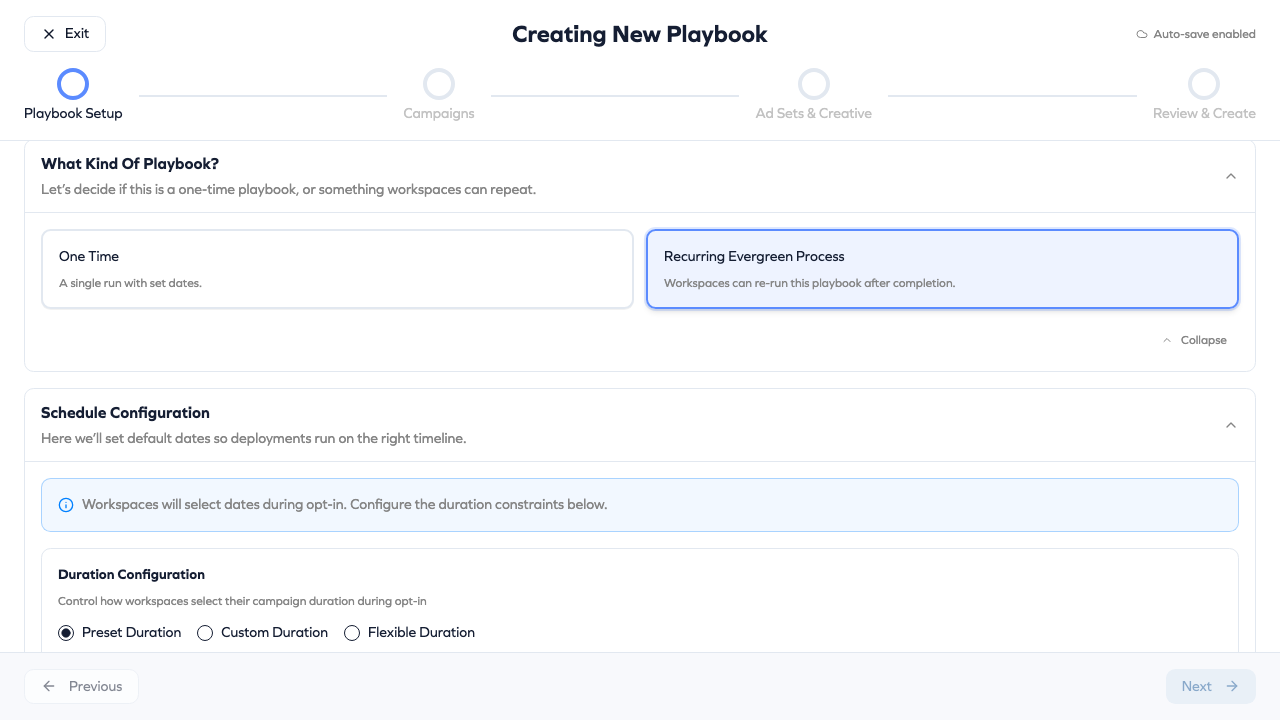
Playbooks just got a lot more flexible. Evergreen Playbooks let franchisees opt in to campaigns on their own schedule, with start dates that adapt to when they join.
What's new:
- Set a playbook as "Evergreen" so it stays open for opt-ins indefinitely
- Choose from three duration modes:
- Preset Duration: Choose from 7, 14, or 28-day campaigns
- Fixed Duration: Set a custom number of days (e.g., 21 days)
- Flexible Duration: Define a range (e.g., 7-90 days) and let workspaces select their preferred length
- Franchisees can re-opt into evergreen playbooks after their previous run ends
- Perfect for recurring promotions, seasonal campaigns, or always-on brand awareness
Where to find it: Playbook creation page under Schedule settings.
Redesigned Playbook Builder
The playbook creation experience for hub users has been completely redesigned for clarity and ease of use.
- Cleaner layout with better visual hierarchy
- Streamlined configuration flow with clearer calls to action
- New duration and schedule options for evergreen playbooks
- Improved questions and opt-in settings
Where to find it: Playbook Builder in the Hub dashboard.
Comprehensive Product Documentation
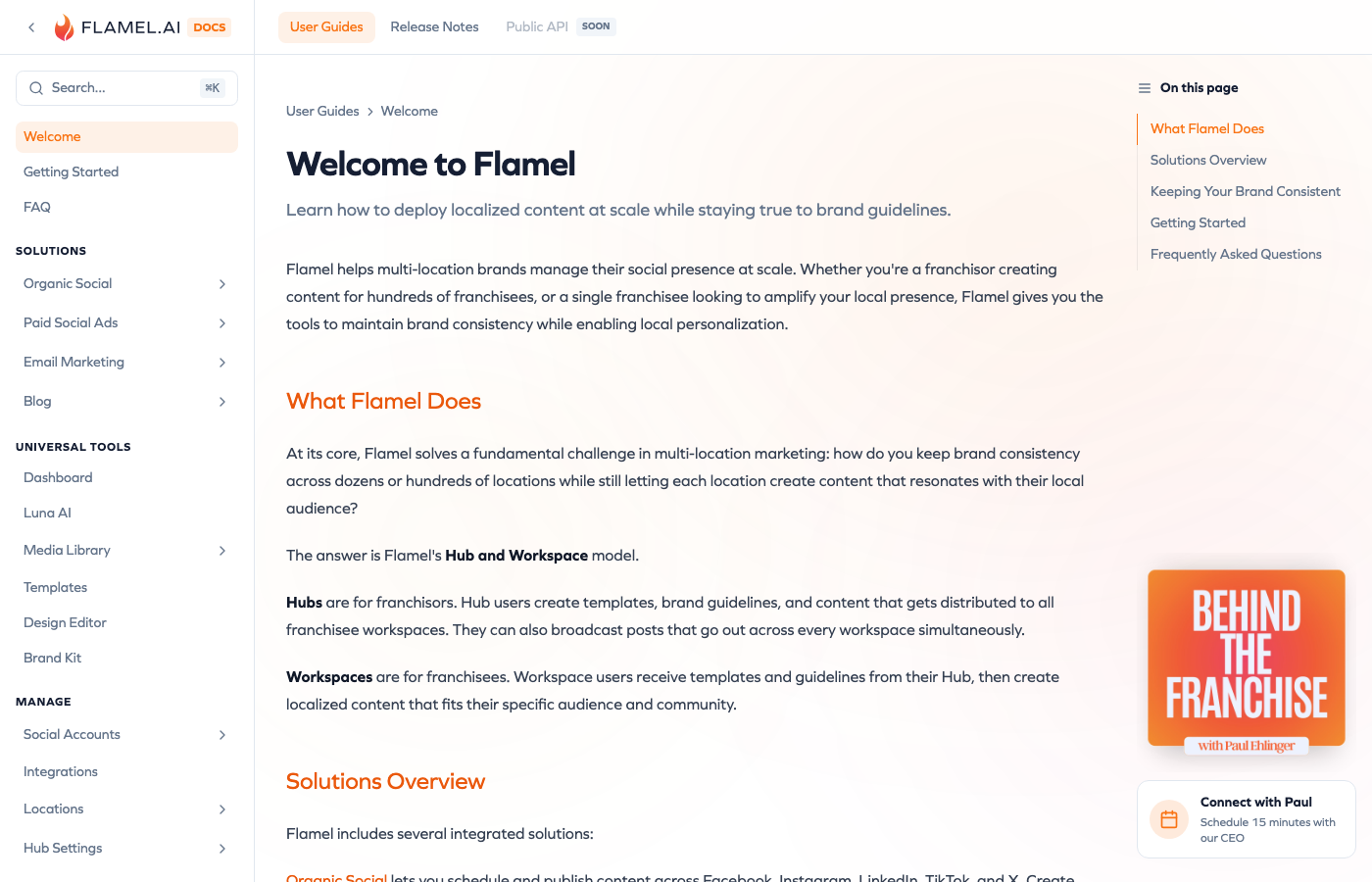
We've shipped a major documentation update at studio.flamel.ai/docs. This is a significant expansion covering all major platform features.
What's included:
- Getting Started guide for new users
- Complete coverage of Organic Social, Paid Social Ads, Email, and Blog features
- Deep dives into Organization, Hub, and Workspace settings
- Location management including bulk uploads and custom variables
- Social account connection guides
- Brand Kit and Template documentation
- Billing and subscription management
The docs also include our full release notes archive, so you can always see what's changed.
Where to find it: studio.flamel.ai/docs or the Help menu in the app.
Smarter Analytics Attribution
For franchises where multiple locations share the same Meta page, we've improved how ad analytics get attributed to the right workspace.
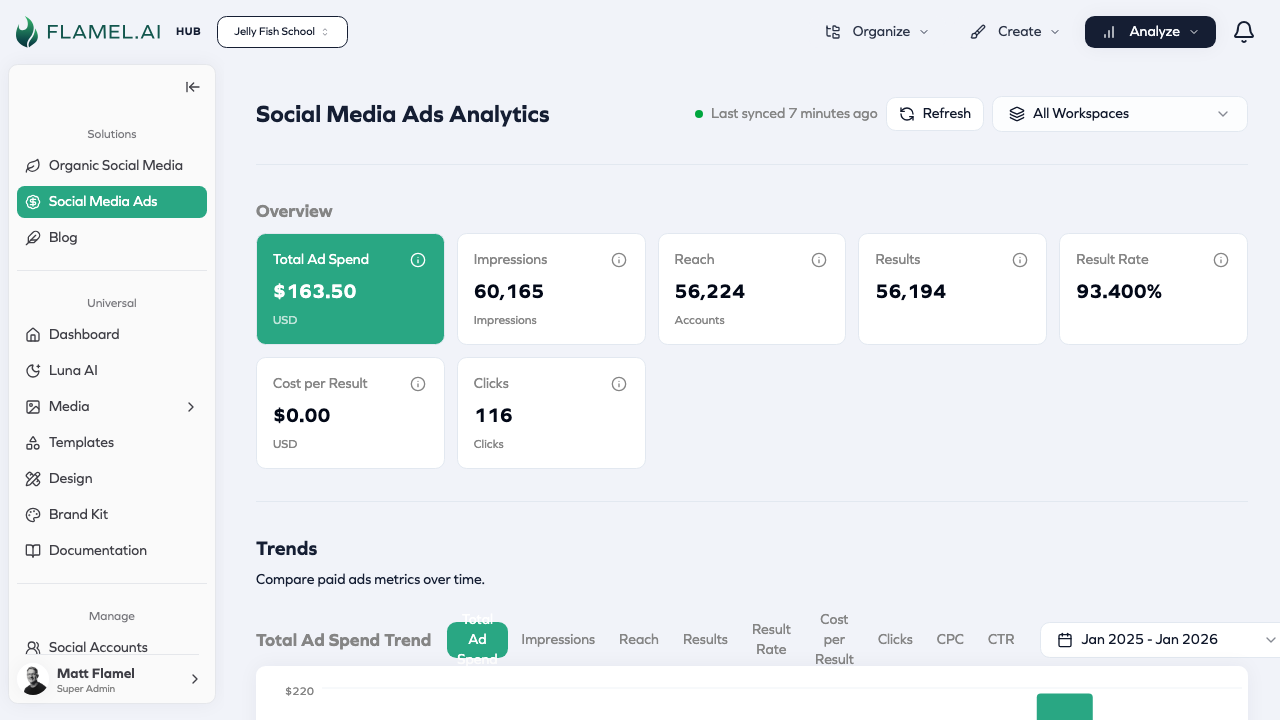
- Campaign-based attribution now serves as a fallback when page IDs are shared
- Automatic backfill when connecting new Meta ad accounts
- More accurate reporting for complex franchise setups
We're shipping faster than ever to make Flamel the most powerful marketing platform for multi-location businesses. Questions or feedback? Reach out at support@flamel.ai.