Getting Started
Learn the basics of Flamel and get up and running quickly.
Get your brand configured, accounts connected, and first post scheduled.
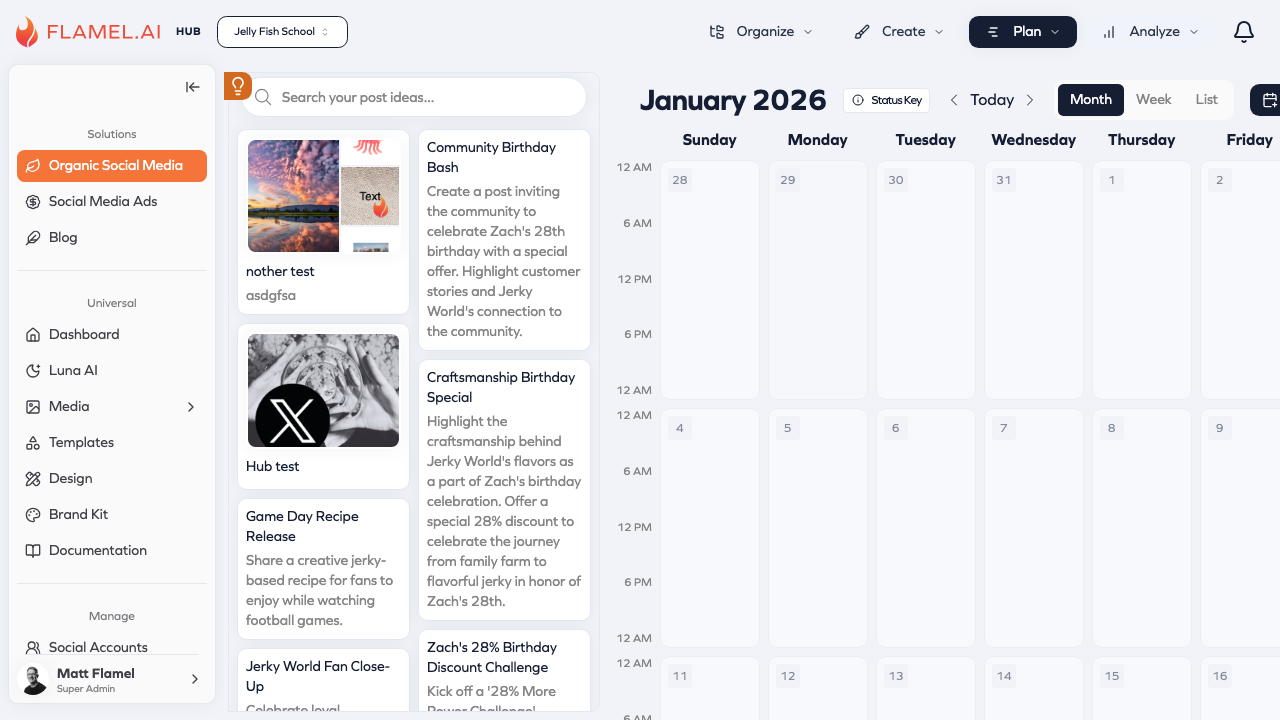
1. Connect Accounts
Go to Manage > Connected Accounts and connect your platforms:
- Facebook & Instagram — Click Connect Facebook, log in with admin access, select your Pages
- LinkedIn, TikTok, X — Click the respective Connect button and authorize
Connected accounts show a green status indicator.
2. Set Up Brand Kit (Optional)
Navigate to Brand Kit and add:
- Your logo (primary and variations)
- Brand colors (hex codes)
- Brand fonts
These assets become available throughout Flamel when creating content.
3. Create Your First Post
Navigate to Organic Social > Calendar:
- Click on any day (or New Post)
- Write your content
- Add media — upload or browse your Media Library
- Select which accounts to publish to
- Schedule a date/time or publish immediately
Explore More
| Feature | Purpose |
|---|---|
| Luna AI | AI assistant for captions, suggestions, hashtags |
| Media Library | Upload, organize, and generate images |
| Templates | Pre-designed content templates |
| Analytics | See what's working with your audience |
Getting Help
- Contact support through the help button in the app
- Email support@flamel.ai