Approval Workflows
Configure content review and approval processes.
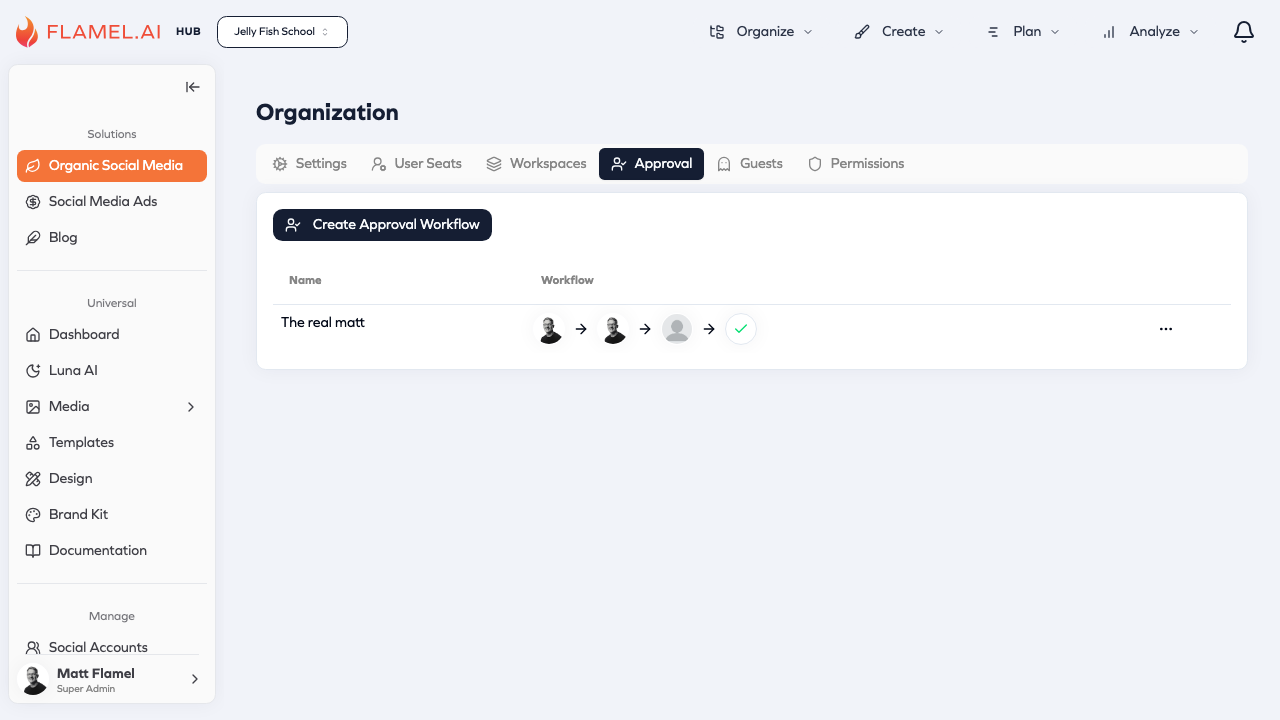
The Approval tab lets you create workflows that require content review before publication.
Creating a Workflow
Click Create Approval Workflow to set up a new workflow:
- Name — Descriptive name like "Franchise Location Approval"
- Approvers — Select users who can approve content (shown as a visual chain)
How Approval Works
- Creator submits content for approval instead of publishing directly
- Approvers receive a notification
- Approvers review and approve, request changes, or reject
- Approved content can be scheduled or published
Assigning to Workspaces
After creating a workflow, assign it in the Workspaces tab. Each workspace can have one active approval workflow.
Click the ... menu on any workflow to edit or delete it.