Organization Settings
Configure your organization's basic information.
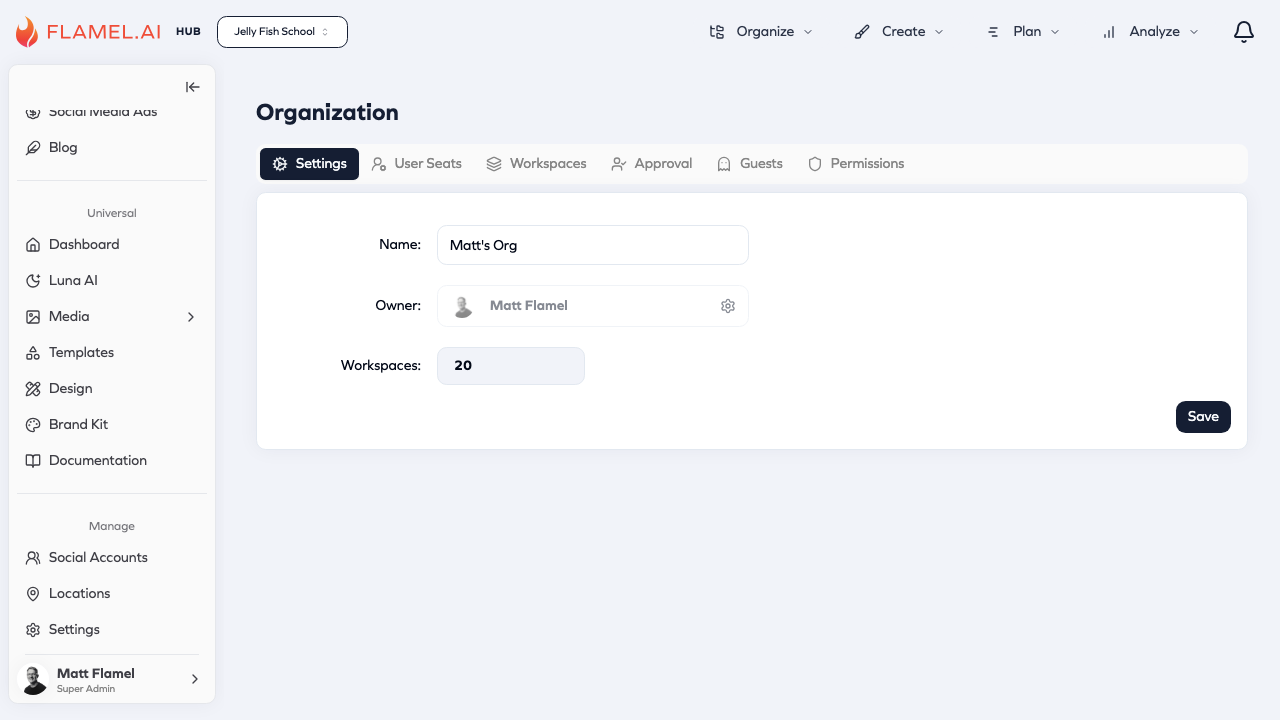
The Settings tab contains your organization's basic information.
Fields
| Field | Description |
|---|---|
| Name | Your organization name, shown throughout Flamel and in notifications. |
| Owner | The primary administrator with complete control. Click the gear icon to transfer ownership. |
| Workspaces | Total workspace count in your organization. |
Transferring Ownership
Only the current owner can transfer ownership. The new owner must already be a user in your organization. Click Save after making changes.