Comments & Inbox
Manage comments and engagement across all your social platforms.
Social media is a conversation, not a broadcast. When followers comment on your posts, ask questions, or send messages, they expect a response. The Comments & Inbox feature brings all this engagement into one place so you can respond quickly without jumping between apps.
Accessing the Inbox
Note: The Inbox feature requires the organic_management permission and may need to be enabled for your workspace. Contact your administrator if you don't see this option.
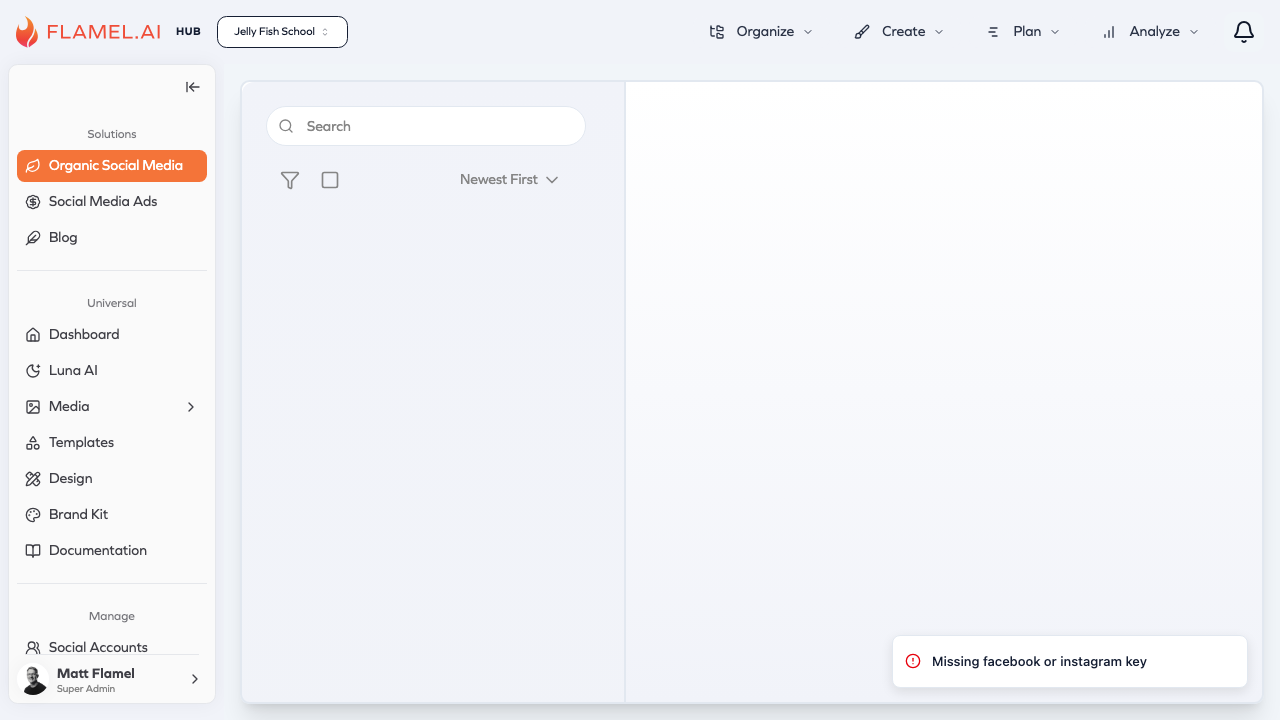
When enabled, access the inbox through Community Management in your workspace. You'll see comments and messages from all your connected accounts in a single stream, with clear indicators showing which platform and account each interaction came from.
Viewing and Filtering
The inbox shows interactions in reverse chronological order by default — newest first. Each entry displays the commenter's name, their message, and which of your posts they're responding to.
When you have multiple accounts or platforms, filtering helps you focus. You can filter by platform to see only Instagram comments or only Facebook messages. Filter by account if you manage multiple Pages or profiles and want to focus on one at a time. Toggle between unread and all items to prioritize what needs attention.
The search function lets you find specific conversations. Search by username to see all interactions from a particular person, or by keyword to find discussions about specific topics.
Responding to Comments
Click on any comment to open the conversation view. You'll see the original post for context, the comment thread, and a text box for your reply.
Type your response and click Send. Your reply posts directly to the social platform as a reply to that specific comment. You can continue the conversation without leaving Flamel — any subsequent replies from the commenter appear in the thread.
Keep responses timely. Most social users expect replies within hours, not days. If someone asks a question Monday and you answer Wednesday, the conversation feels stale and the person may have moved on.
Managing Your Inbox
Beyond responding, you can organize your inbox to track what needs attention.
Mark as read/unread to track which items you've handled. If you want to come back to something later, mark it unread as a reminder.
Archive resolved conversations to clear your active view. Archived items aren't deleted — you can access them if needed — but they won't clutter your main inbox.
Timestamps and user information help you understand context. When did this comment come in? Is this a regular commenter or someone new? This context helps you craft appropriate responses.
Response Best Practices
Social media responses should feel personal and human, not corporate and scripted. Address commenters by name when possible. Answer questions directly. Thank people for positive feedback. If someone has a complaint, acknowledge it and offer to help.
Speed matters, but so does quality. A thoughtful response that takes an hour is better than an instant but tone-deaf reply. That said, most interactions don't require deep deliberation — a quick, friendly acknowledgment is often exactly what's needed.
Establish guidelines for your team about what requires escalation. Most comments can be handled by anyone with access to the inbox. But complaints about products, questions requiring specialized knowledge, or sensitive situations might need routing to specific people.
Setting Up Notifications
Don't rely on remembering to check the inbox — set up notifications so you're alerted when engagement needs attention. In your notification settings, enable alerts for new comments and messages.
How you configure notifications depends on your volume. High-volume accounts might prefer periodic digests rather than immediate alerts for every comment. Lower-volume accounts might want instant notification to ensure nothing sits unaddressed.
Building Community
The inbox isn't just for damage control — it's an opportunity to build community. Respond to positive comments enthusiastically. Ask follow-up questions that encourage deeper engagement. Recognize loyal followers who comment frequently.
Social platforms prioritize posts with active comment sections, so engaging in conversations actually increases your organic reach. A post where the brand responds to comments keeps showing up in feeds longer than one that sits with no activity.
Treat every interaction as a chance to strengthen the relationship between your brand and a real person.